Custom party photos with AI
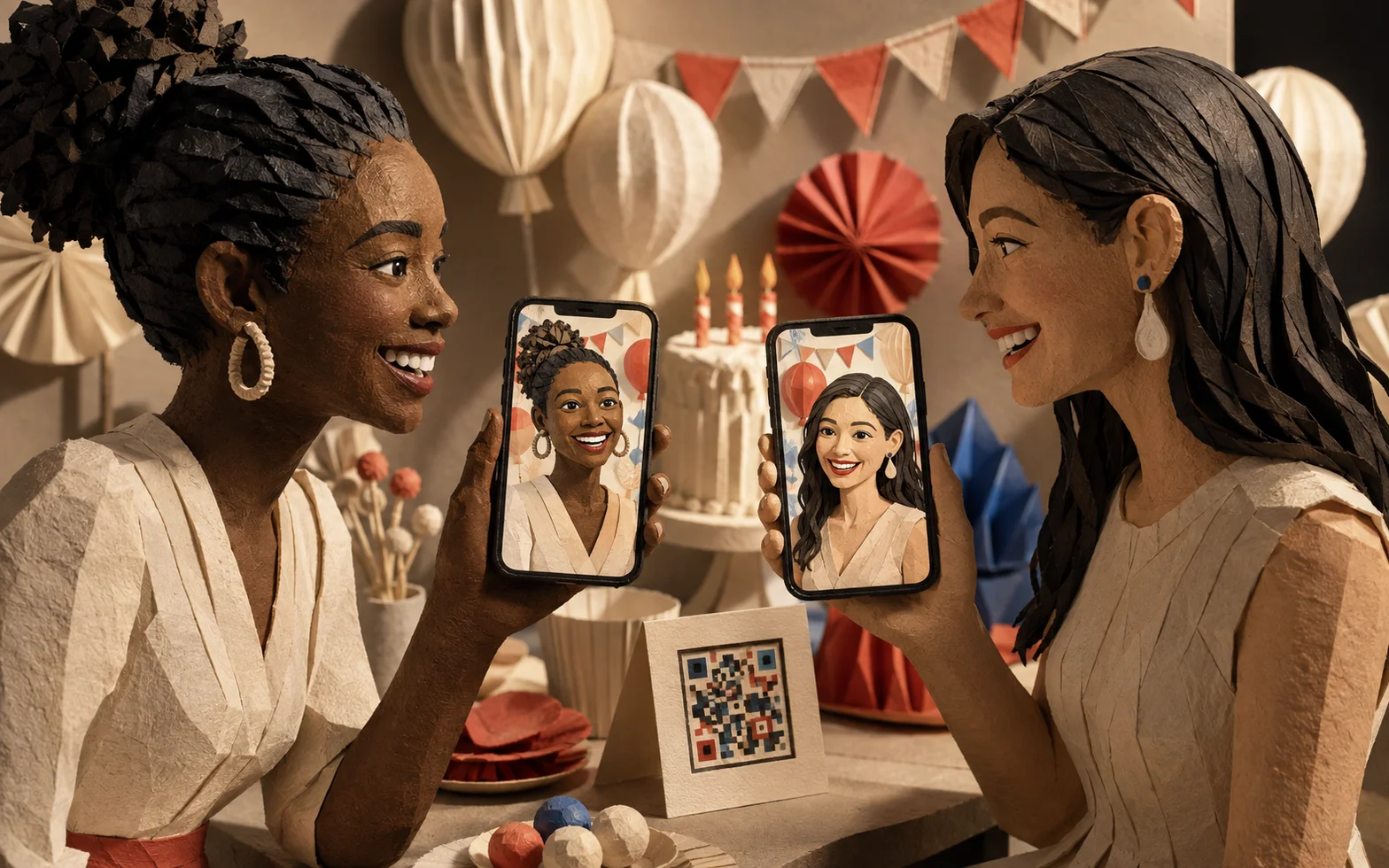
Invited guests turn their own photos into images that match the party's theme. They join through a shared QR code or link, then save or share the results.
The purpose
The birthday called for an experience that put guests inside the party theme, with personal images they could create and share from their phones.
How it works
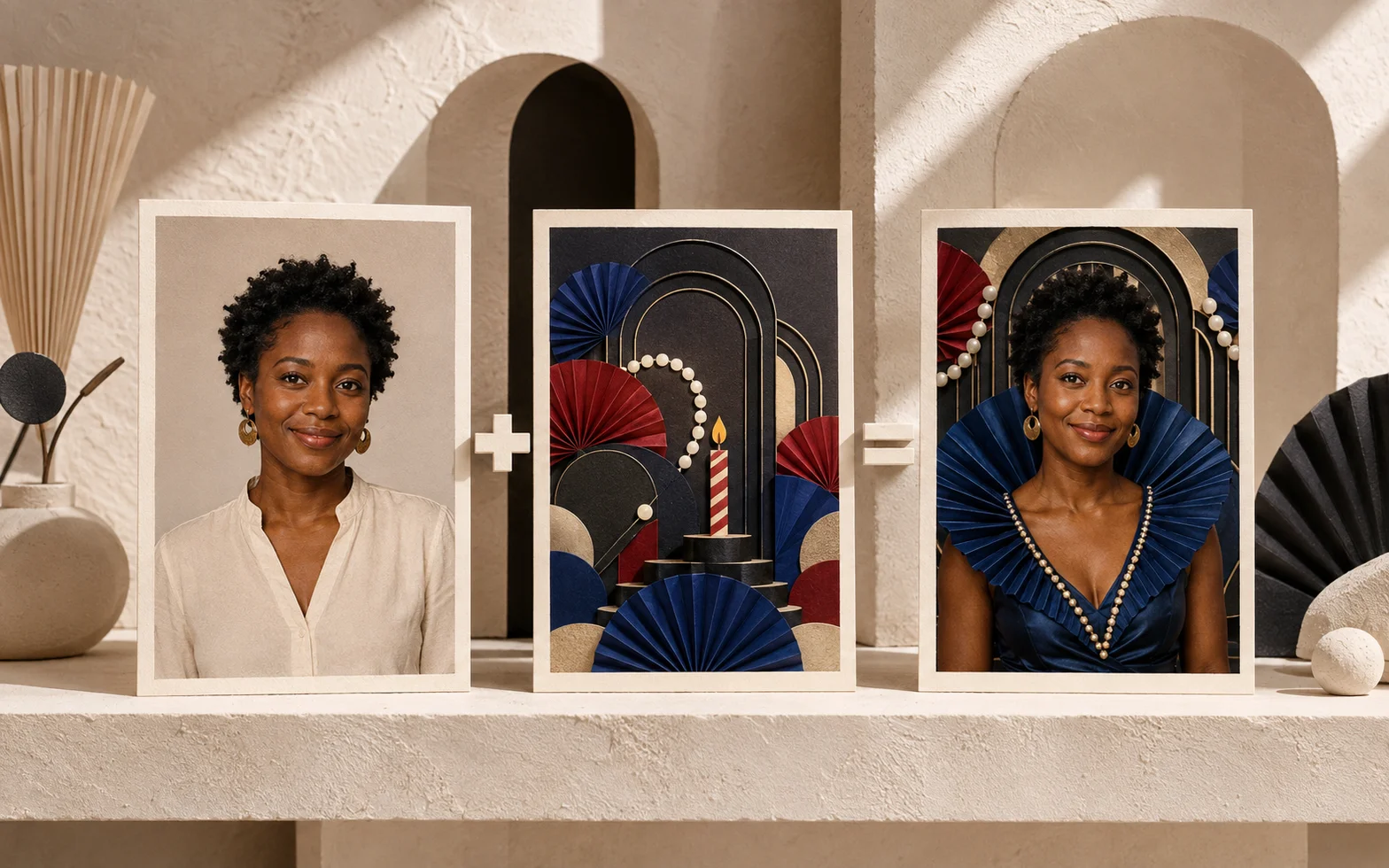
One portrait, made part of the party
A shared party link takes guests from their own portrait to a themed image. Saving and sharing are optional; guests can do both.
Explore an example route
Example route: a guest creates a portrait and saves it.
Arrow keys step through the route. Home returns to the full process. Follow keeps the current step in view.
-
Fred Step 1: Configure the party theme Birthday experience
- Hands off
- Party QR code / link to step 2, Share the QR code or link
-
Host Step 2: Share the QR code or link Party invitation
- Receives
- Party QR code / link from step 1
- Hands off
- Shared invitation to step 3, Open the party experience
-
Guest Step 3: Open the party experience Phone
- Receives
- Shared invitation from step 2
- Hands off
- Photo prompt to step 4, Provide a portrait
-
Guest Step 4: Provide a portrait Photo input
- Receives
- Photo prompt from step 3
- Hands off
- Guest portrait to step 5, Create the themed image
-
AI Step 5: Create the themed image Party theme and portrait
- Receives
- Guest portrait from step 4
- Hands off
- Themed image to step 6, Receive the result
-
Guest Step 6: Receive the result Themed portrait
- Receives
- Themed image from step 5
- Hands off
- Optional: save to step 7, Save the imageOptional: share to step 8, Share the image
-
Guest Step 7: Save the image Personal copy
- Receives
- Optional: save from step 6
- Ends here
- One possible ending of the process.
-
From step 6 · Optional: share Guest Step 8: Share the image Chosen conversation
- Receives
- Optional: share from step 6
- Ends here
- One possible ending of the process.
- One example route. All alternatives stay visible.
- Dashed while playing: not on this route
Read the process and handoffs
- Configure the party theme
Fred · Birthday experience.
- Party QR code / link: Share the QR code or link.
- Share the QR code or link
Host · Party invitation.
- Shared invitation: Open the party experience.
- Open the party experience
Guest · Phone.
- Photo prompt: Provide a portrait.
- Provide a portrait
Guest · Photo input.
- Guest portrait: Create the themed image.
- Create the themed image
AI · Party theme and portrait.
- Themed image: Receive the result.
- Receive the result
Guest · Themed portrait.
- Optional: save: Save the image.
- Optional: share: Share the image.
- Save the image
Guest · Personal copy.
- Share the image
Guest · Chosen conversation.
My part
I designed and built the guest journey, configured the themed portraits, and adapted the experience to the celebration.
In practice
Guests could make their portraits from their own phones. The experience removed the need for dedicated on-site hardware.
Want to know more?
Client and proprietary details stay private. Get in touch if you would like to discuss this project.
Ask about this project